
IPTV Backseat
The player for long drives.
Your playlists and media servers with big buttons for the back seat, AirPlay casting, a built-in browser and a queue for long drives.
Coming soon to the App Store · free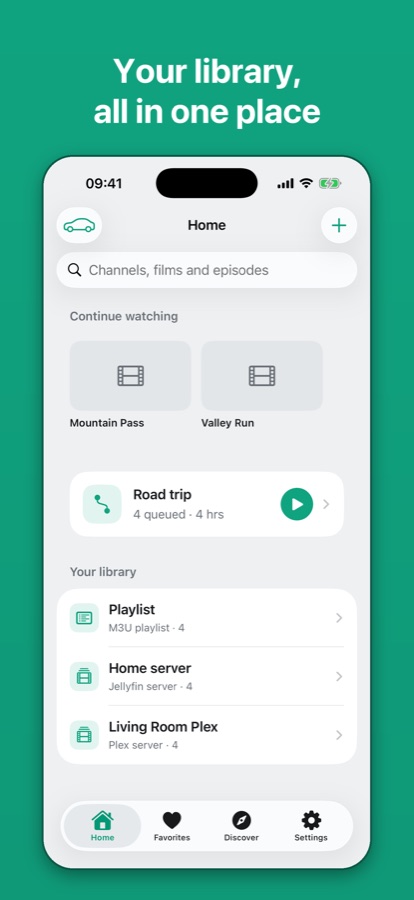
What it does
Your library in one place
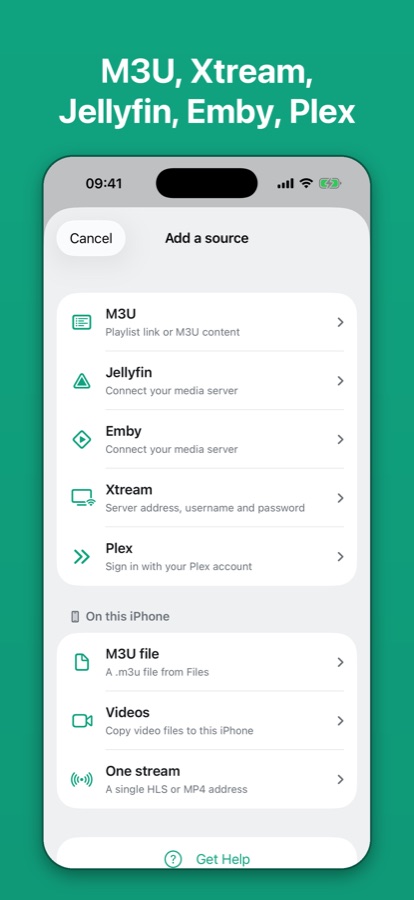
M3U links or files, a QR code, Xtream Codes, and your own Jellyfin, Emby or Plex server. Live TV, films, series by season, and “continue watching” from your server.
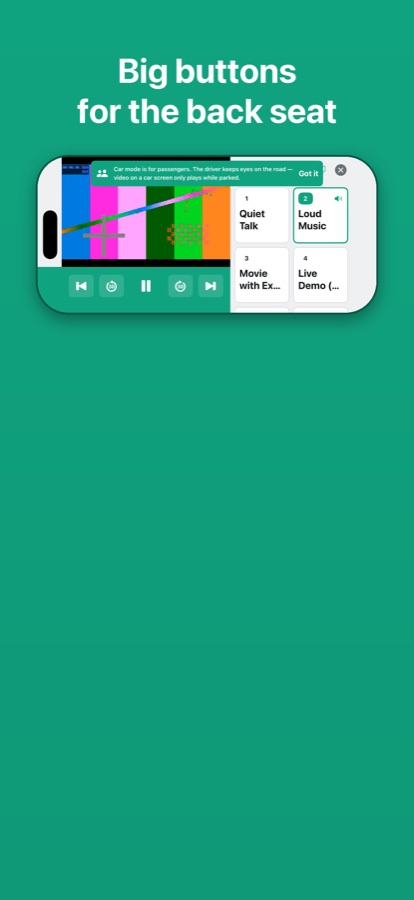
Car mode for passengers
A sideways screen with huge tiles, a big clock and large play and skip buttons — easy to use from the back seat.
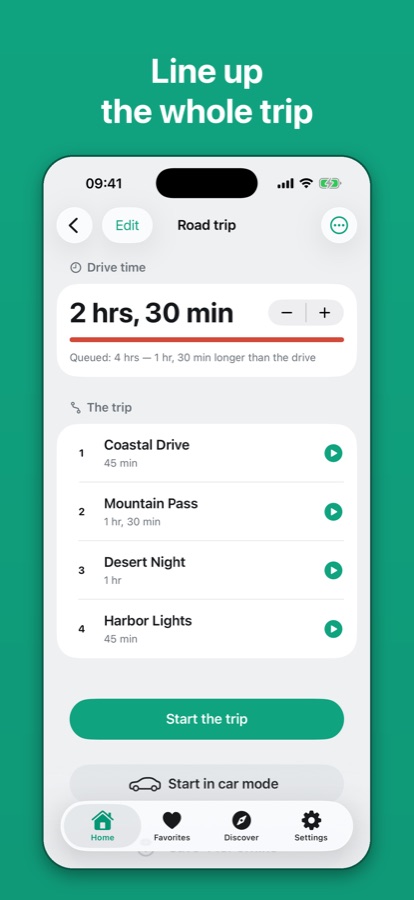
A queue for the whole drive
Line up films and episodes, see whether they fit the drive, or let Backseat fill it for you. Titles play one after another.
Watch without data
Save films from your own Jellyfin, Emby or Plex server before you leave.
Widgets in CarPlay and StandBy
“Next on the road” and “Trip clock” show what's next and how much of the trip is left. On touch screens, one tap starts the trip.
Live Activity
Time left, progress and the next title on the Lock Screen, in the Dynamic Island and on CarPlay, with pause and skip buttons.
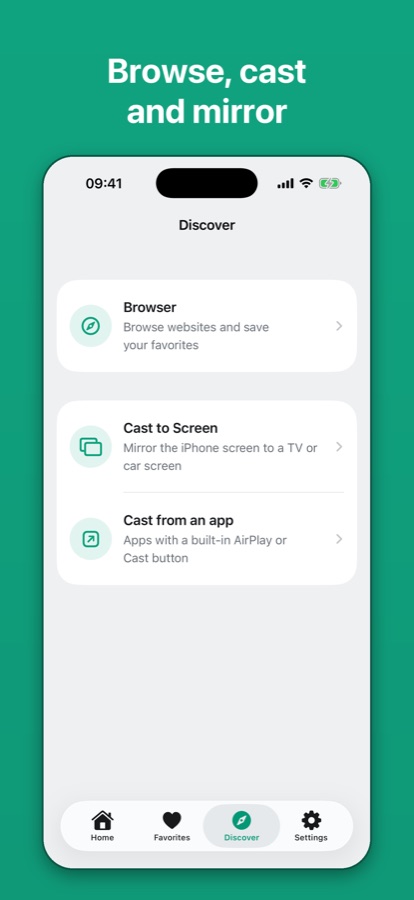
AirPlay and the big screen
AirPlay from the player. When the iPhone mirrors to a TV or HDMI screen, the big screen shows the video and the iPhone becomes the remote.
Siri
“Start the road trip in Backseat”, “Next in Backseat”, “Pause Backseat”.
Screens
Free and private
No ads, no in-app purchases, no account and nothing collected. Logins stay in the Keychain on your iPhone. Backseat includes no channels — add only sources you have the right to watch.
CarPlay doesn't play video from apps. Video reaches a car screen only through AirPlay, on cars that support it, while parked. Backseat is for passengers — never watch while driving.